Module 4 - Session 2: PyTorch Techniques and Model Inspection
Session 2: PyTorch Techniques and Model Inspection
What you’ll know by the end:
- How PyTorch’s dynamic computation graphs work
- When to use Sequential vs. custom modules
- How to build modular, reusable architectures
- Tools for inspecting and debugging models
Dynamic Computation Graphs
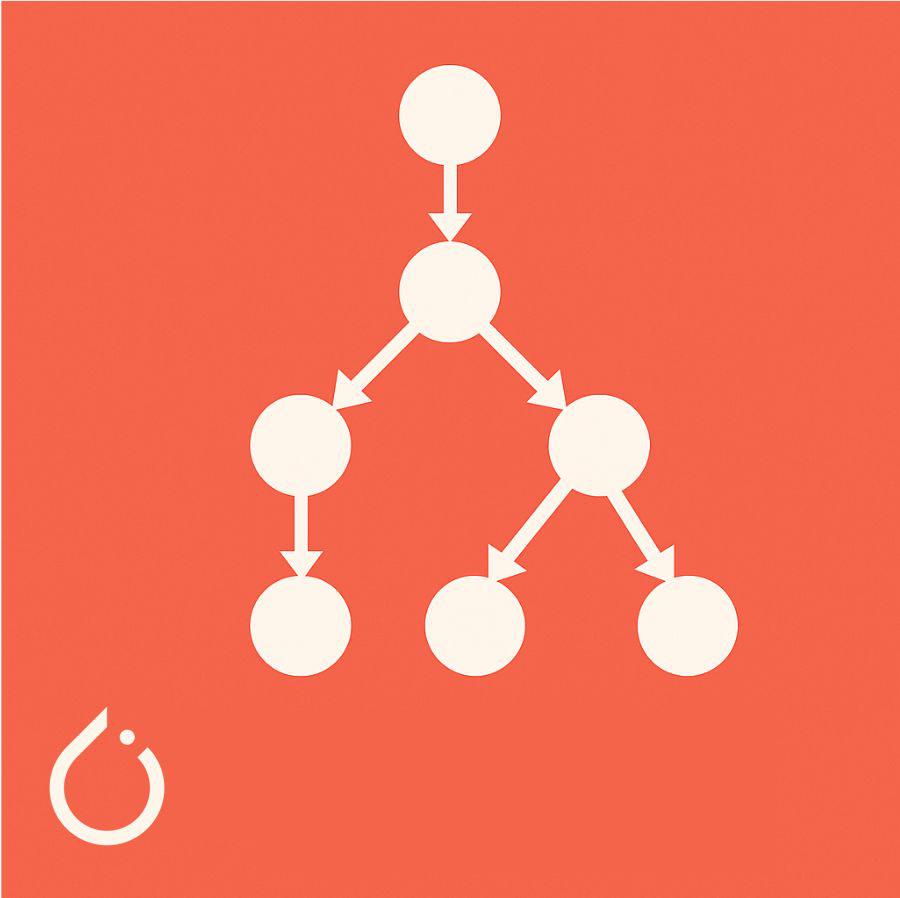
What makes PyTorch special
- Graph built on-the-fly as your model runs
- Every operation recorded step-by-step
- Used for backpropagation, then discarded
Why Dynamic Graphs Matter
Real-world benefits
- Adaptive models (simpler for simple cases, complex for tricky ones)
- Standard Python debugging (just add a print)
- Variable input sizes (sentences: 3 words vs. 50 words)
- Small performance cost, huge flexibility gains
Use nn.Sequential for fixed patterns
Use nn.Module for reusable blocks
Workflow: Start explicit, then refactor
Inspecting Your Model
Basic inspection
Inspecting nested blocks
model.children(): top-level onlymodel.modules(): everything, including nested (think folder structure)
Note: the shape for, say, fc1.weight connecting 2,048 inputs to 512 outputs is reversed: (512, 2048) because each row = weights for one output neuron.
Debugging Shape Mismatches
Common error: “mat1 and mat2 shapes cannot be multiplied”
Two-step approach:
- Check layer shape:
print(model.fc1.weight.shape)- what does FC1 expect? - Trace shapes through forward: Print shapes at each step to see what it actually gets
Combine inspection (what layer expects) with shape tracing (what it gets) to quickly pinpoint the issue.
Module 4 Synthesis
From single neuron to CNN
- Started: predicting delivery times
- Now: convolutional neural networks
- Built data pipelines, trained and evaluated models, inspected what’s happening
Lab 2: Model Debugging, Inspection, and Modularization
“Debugging is twice as hard as writing the code in the first place. Therefore, if you write the code as cleverly as possible, you are, by definition, not smart enough to debug it.” — Brian Kernighan
Assignment 1: Overcoming Overfitting: Building a Robust CNN
