Building MCP Servers

The Hook
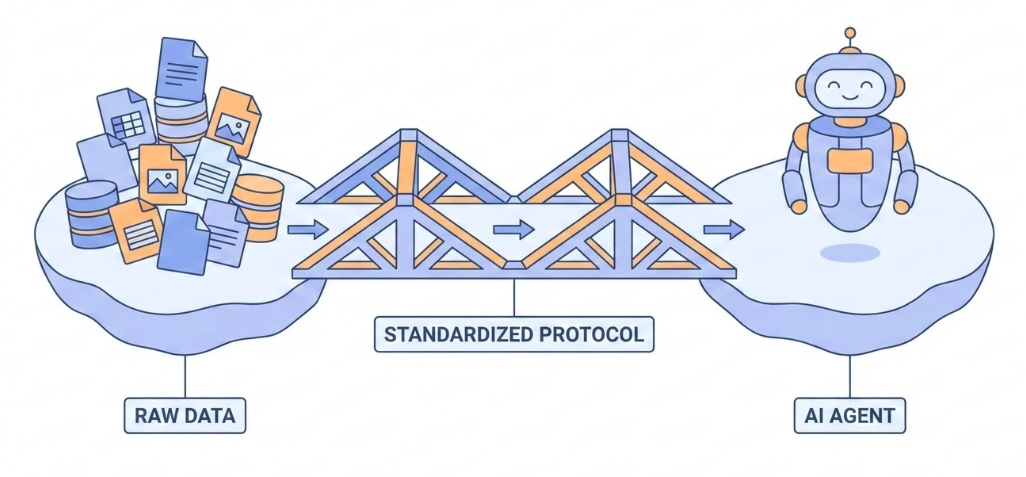
Figure: A stylized bridge connecting chaotic data islands to an organized AI agent, representing a standardized protocol.

Figure: A stylized bridge connecting chaotic data islands to an organized AI agent, representing a standardized protocol.

How do we bridge the gap between our data and AI agents in a standardized, scalable way?

Today’s Journey

  1. The Foundation (MCP Python SDK)
    • Core concepts: Server, Resources, Tools, Prompts
    • Understanding the primitives
  2. The Accelerator (FastMCP)
    • Developer experience first
    • Decorators and simplified patterns
  3. The Bridge (FastAPI-MCP)
    • Integrating with existing web apps
    • Preserving auth and documentation

Part 1: The Foundation (MCP Python SDK)

The Problem: The Integration Mess

Connecting AI to data is hard

  • Every tool has a unique API
  • Every LLM needs custom glue code
  • N tools \(\times\) M models = N \(\times\) M integrations
  • Fragile, hard to maintain, not scalable

We need a standard protocol.

What is MCP?

Model Context Protocol

  • Standardized way to connect LLMs to tools and data
  • Like a web API, but for AI interaction
  • Separates context from intelligence

Step 1: Install the SDK

Get the official library:

uv add mcp

Import in Python:

import mcp
from mcp.server.mcpserver import MCPServer

The Core Concept: Server

MCPServer is your main interface

from mcp.server.mcpserver import MCPServer

mcp = MCPServer("Demo")
  • Handles connection management
  • Protocol compliance
  • Message routing
  • Lifecycle management

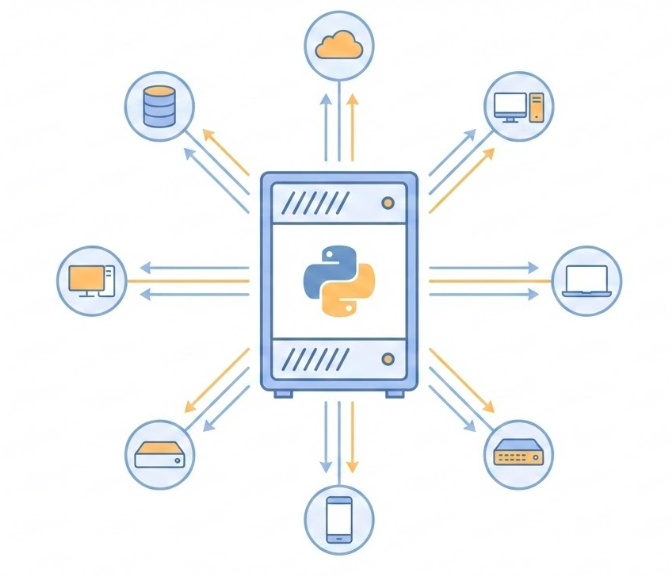
Figure: A central server rack with a Python logo connecting to smaller nodes as a hub. (Click to Enlarge)

Figure: A central server rack with a Python logo connecting to smaller nodes as a hub. (Click to Enlarge)

Resources: Reading Data

Expose data to LLMs

@mcp.resource("file://documents/{name}")
def read_document(name: str) -> str:
    """Read a document by name."""
    return f"Content of {name}"
  • Read-only data sources (like GET requests)
  • Side-effect free (mostly)
  • URI templates for dynamic access

Figure: A magnified open document folder symbolizing read-only access to structured data.

Figure: A magnified open document folder symbolizing read-only access to structured data.

Tools: Taking Action

Let LLMs perform computations

@mcp.tool()
def add(a: int, b: int) -> int:
    """Add two numbers together."""
    return a + b
  • Perform computation or actions
  • Side effects allowed (database writes, API calls)
  • Model-controlled execution

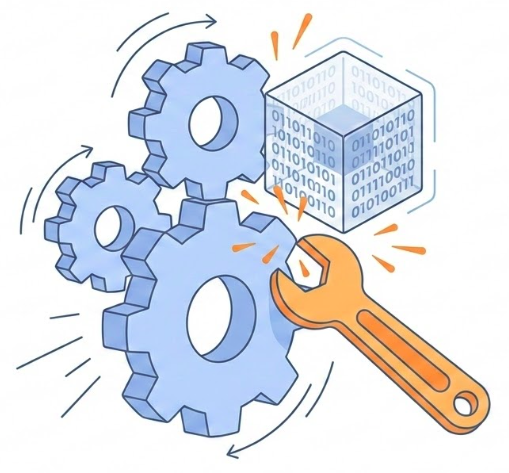
Figure: Interlocking gears and a wrench interacting with a data block to symbolize active computation.

Figure: Interlocking gears and a wrench interacting with a data block to symbolize active computation.

Prompts: Interaction Templates

Reusable templates for users

@mcp.prompt(title="Code Review")
def review_code(code: str) -> str:
    return f"Please review this code:\n\n{code}"
  • User-controlled invocation
  • Standard workflows (e.g., “Fix Bug”, “Summarize”)
  • Pre-packaged instructions

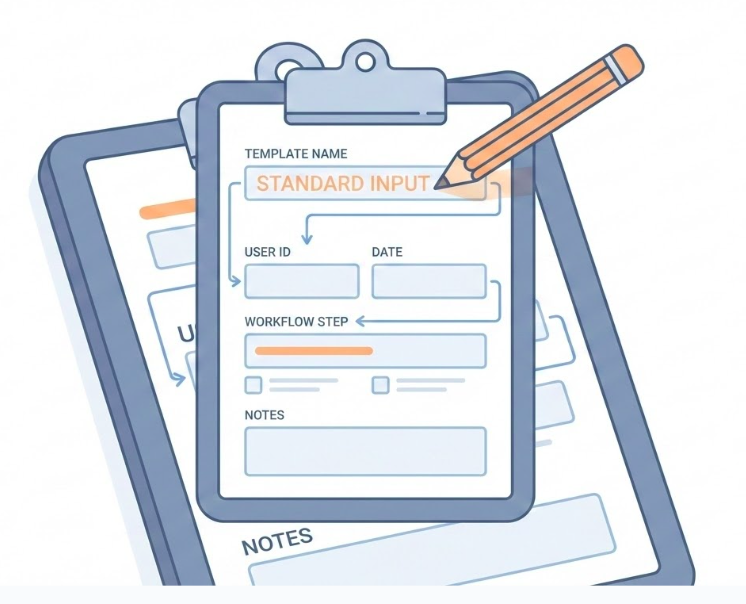
Figure: A clipboard with a structured form and pencil representing reusable templates.

Figure: A clipboard with a structured form and pencil representing reusable templates.

Part 2: The Accelerator (FastMCP)

Framework vs Library

The Distinction:

  • MCP SDK (Library): “Mechanism, not Policy.” Provides the plumbing (JSON-RPC, Core Types). precise, but low-level.
  • FastMCP (Framework): “Batteries Included.” Provides the policy (Decorators, Validation). Opinionated and fast.

The Engineering Trade-off: Control vs. Velocity

The Implementation Gap

Raw SDK (Plumbing)

# 1. Manual Schema
Tool(
    name="get_weather",
    inputSchema={
        "type": "object",
        "properties": {
            "city": {"type": "string"}
        }
    }
)

# 2. Manual Routing
if name == "get_weather":
    city = args["city"]
    return f"Sunny in {city}"

FastMCP (Framework)

# 1. Logic is Interface
@mcp.tool()
def get_weather(city: str) -> str:
    """Get current weather"""
    return f"Sunny in {city}"

The Hidden Cost: Schema Drift

When implementation diverges from definition.

  • SDK: You update the code, but forget the JSON schema. \(\rightarrow\) Runtime Error.
  • FastMCP: Single source of truth. The code generates the schema.

In 2026, manual schema maintenance is technical debt.

Step 1: Install FastMCP

Installation:

uv add "fastmcp"

That’s it.

Comparison: The “Batteries”

Feature Raw SDK FastMCP
Registration Manual list_tools @mcp.tool
Validation Manual Checks Automatic (Pydantic)
Observability Self-Implemented OpenTelemetry Native
Drift Risk High None

Core Abstractions

  1. Components: What you expose (Tools, Resources, Prompts)
  2. Providers: Where they come from (Functions, Files, OpenAPI)
  3. Transforms: How they look (Namespacing, Filtering)
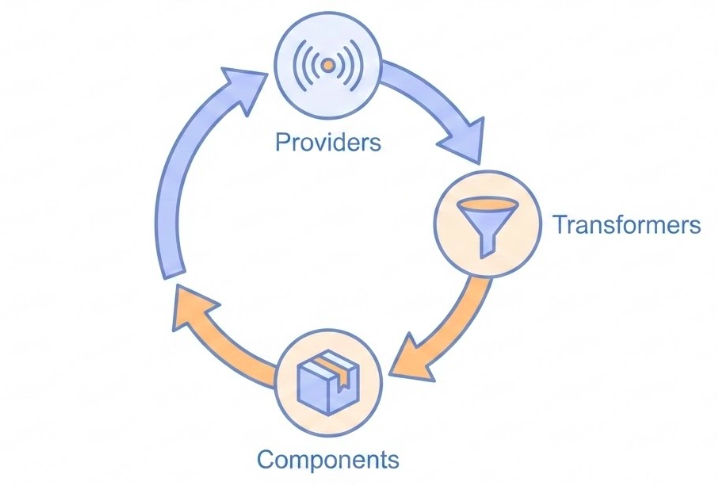
Figure: A circular flow diagram showing Providers, Transformers, and Components in a data refinement cycle.

Figure: A circular flow diagram showing Providers, Transformers, and Components in a data refinement cycle.

Running FastMCP

Development (Hot Reload)

fastmcp dev server.py

Production

if __name__ == "__main__":
    mcp.run() # Auto-selects streamable-http

Part 3: The Bridge (FastAPI-MCP)

The Integration Challenge

You have a FastAPI app.

  • Do you rewrite it for MCP?
  • Do you duplicate your authentication?
  • Do you maintain two codebases?

No. You Mount.
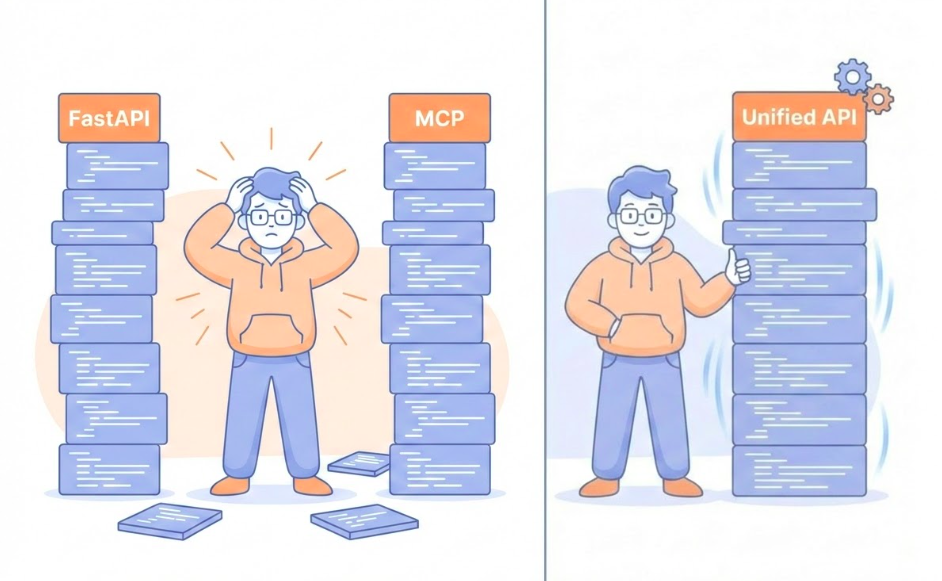
Figure: A split-screen showing an overwhelmed developer facing duplicate stacks of FastAPI and MCP code.

Figure: A split-screen showing an overwhelmed developer facing duplicate stacks of FastAPI and MCP code.

Step 1: Install FastAPI-MCP

Add the package:

uv add "fastapi-mcp"

Requirements: - Existing FastAPI app - Python 3.10+

FastAPI-MCP: One App, Two Interfaces

from fastapi import FastAPI
from fastapi_mcp import FastApiMCP

app = FastAPI()
mcp = FastApiMCP(app)

mcp.mount() # Adds /mcp endpoint
  • Zero Config: Point at your app, it works
  • Native Integration: Uses ASGI (in-memory, fast)
  • Preserves Auth: Depends(...) just works

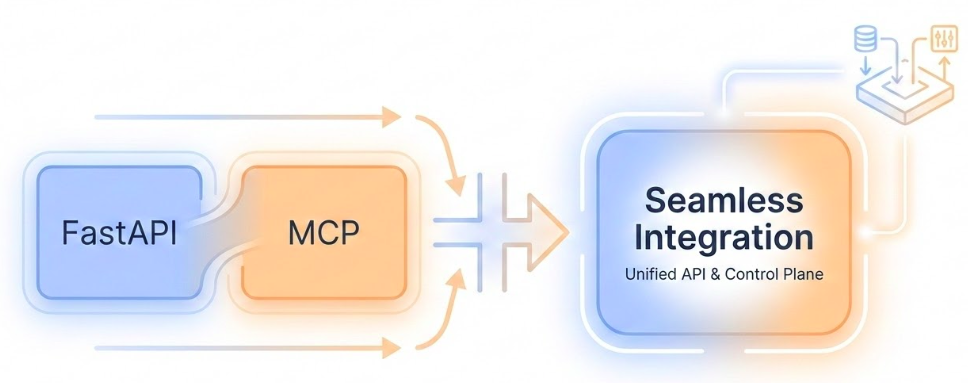
Figure: A visual transformation showing FastAPI and MCP blocks merging into a single unified block.

Figure: A visual transformation showing FastAPI and MCP blocks merging into a single unified block.

What Gets Preserved?

Everything.

  • Request Models \(\rightarrow\) Tool Input Schemas
  • Response Models \(\rightarrow\) Tool Output Schemas
  • Docstrings \(\rightarrow\) Tool Descriptions
  • Dependencies \(\rightarrow\) Security & Context

Deployment Options

1. Mounted (Monolith)

  • Simplest. One container, one process.
  • Best for most use cases.

2. Separate (Microservices)

  • Scale independently.
  • mcp = FastApiMCP(original_app_url=...)
  • Good for high-traffic separation.

Key Takeaways

The Foundation (SDK)

  • Server: The central hub governing the protocol
  • Resources: Reading data (File://, DB://) safely
  • Tools: Executing actions (API calls, side effects)
  • Prompts: Reusable templates for user interaction

FastMCP Benefits

  • Developer Experience: “Move fast and make things”
  • Less Boilerplate: No manual JSON schemas
  • Type Inference: Python hints \(\rightarrow\) MCP Specs
  • Instant Dev Server: Hot reloading included

FastAPI Integration

  • Zero Rewrite: Mount existing app as MCP server
  • Protocol Agnostic: HTTP/SSE handled automatically
  • Security Preserved: Existing Depends() just work
  • Dual Interface: Serve humans and agents simultaneously

Which Tool When? (1/2)

  1. MCP Python SDK
    • You need full control over the protocol.
    • You are building low-level custom integrations.
    • You are building an MCP Client.
  2. FastMCP
    • You are building a new server from scratch.
    • You want speed and simplicity.
    • You want built-in best practices.

Which Tool When? (2/2)

  1. FastAPI-MCP
    • You have an existing FastAPI application.
    • You want to reuse logic, auth, and models.
    • You want to become AI-Ready instantly.

The Complete Picture

You are now equipped to build.

  • Foundational understanding
  • Rapid development tools
  • Integration strategies

Go connect your world.
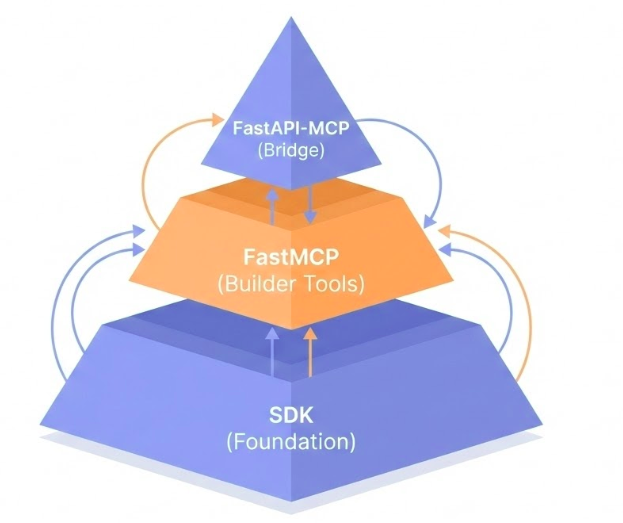
Figure: A three-layered pyramid showing the SDK foundation, FastMCP builder tools, and FastAPI-MCP bridge.

Figure: A three-layered pyramid showing the SDK foundation, FastMCP builder tools, and FastAPI-MCP bridge.